PulseDev for Solid.Click it, fix the component.
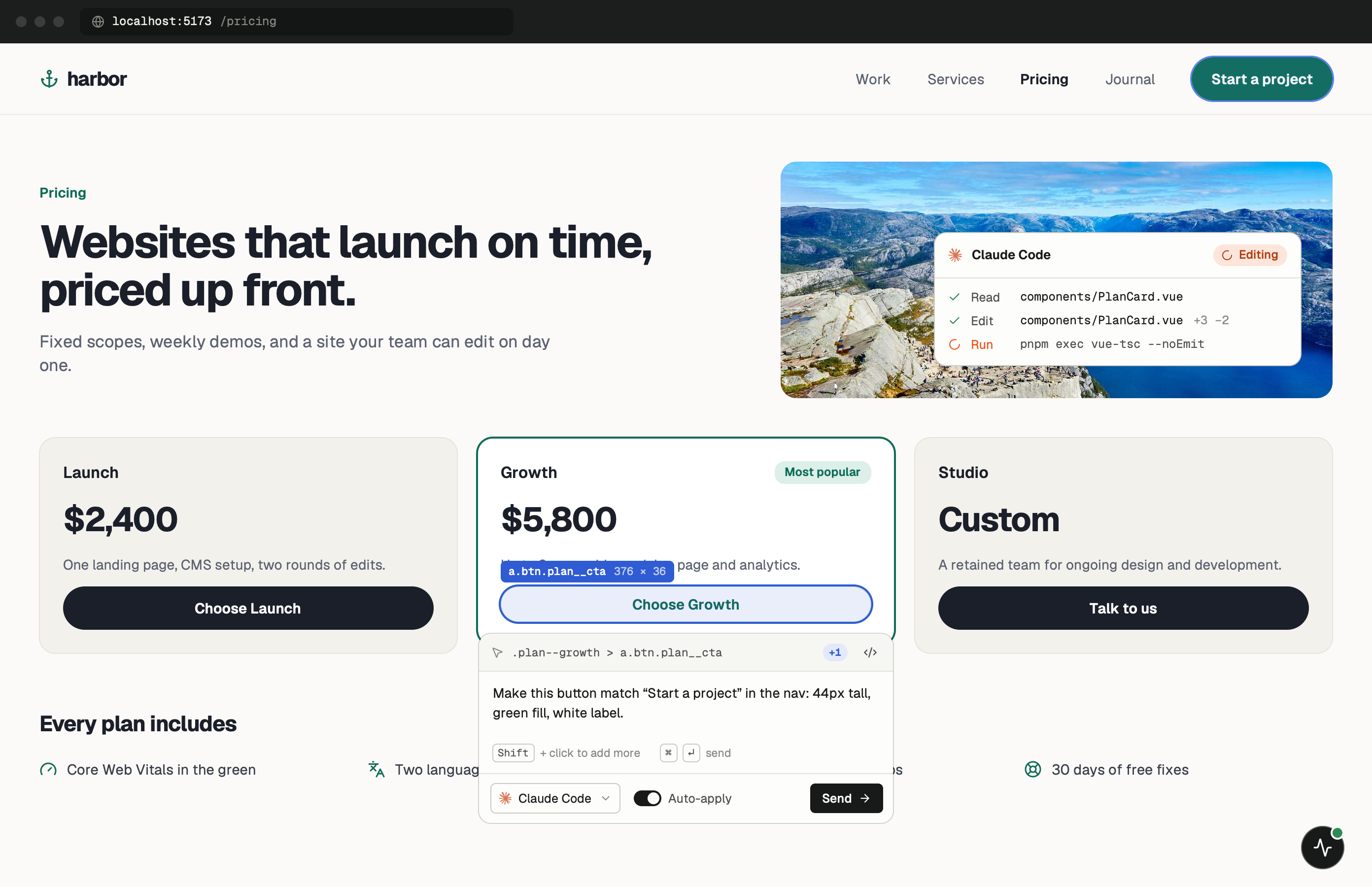
Click any element in your running Solid app and say what’s wrong. Your agent opens the component behind it, and Vite HMR shows the edit before you approve the diff.
One minute of setup.
None of it ships.
Paste one tag into index.html and start your dev server. Keep the PulseDev app open while you work; it runs the server the widget talks to.
- Add
Paste the script tag.
Put it in index.html, the layout every page shares. Remove the tag, or keep it out of production builds.
index.html <!-- just before </body>, dev only --> <script src="http://localhost:3899/widget.js" data-token="YOUR_TOKEN"></script> - Run
Start Solid as usual.
The widget shows up in the corner of every page. Click it, then click the element you want changed.
terminal $npm run dev➜Local:http://localhost:3000/➜PulseDev:widget connected
It fits how
Solid works.
A click carries more than a selector. The page, the element and its selector go to your agent, which follows them to the right file.
Signal Inspector
View createSignal, createMemo, and createEffect values with their dependency graph.
Store Debugging
Inspect createStore values and see how they propagate through your component tree.
Resource Tracking
Monitor createResource calls with loading states, errors, and refetch triggers.
Reactivity Graph
Visualize the fine-grained reactivity graph to understand exactly what updates and why.
Solid questions.
- Does it work with SolidStart?
- Yes! PulseDev works with both standalone SolidJS and SolidStart projects.
- Can I debug signals?
- Absolutely. PulseDev traces signals, memos, and effects with their full dependency graph.
- Does it support TypeScript?
- Yes, PulseDev fully supports TypeScript and generates type-safe code suggestions.
- Is there a performance overhead?
- PulseDev only runs in development. It is completely stripped from your production builds.
Your Solid app is running.Go point at the bug.
Windows coming soon. Free to start.