PulseDev for Laravel.Click it, fix the Blade.
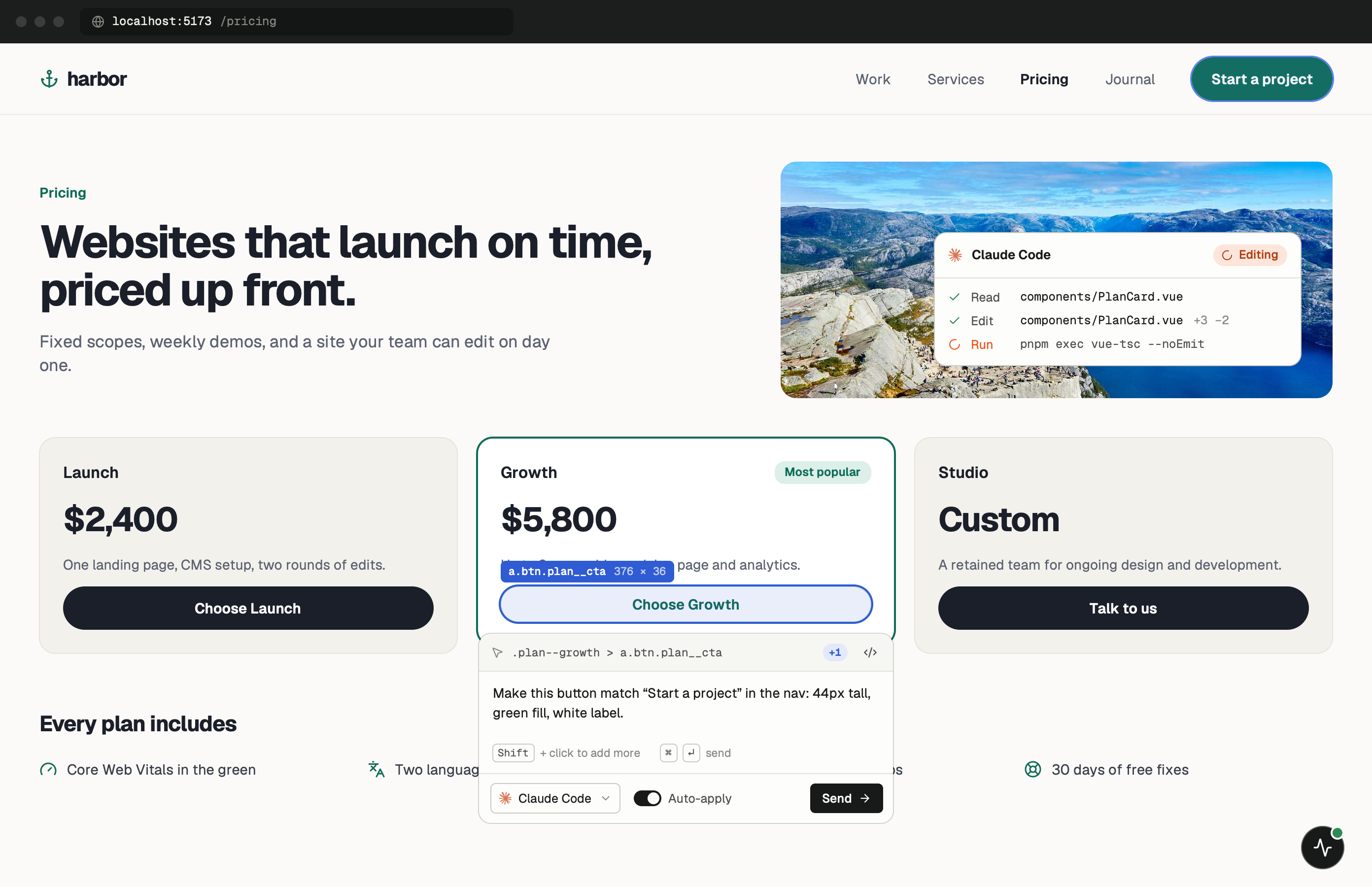
Click any element in your running Laravel app and say what’s wrong. Your agent opens the Blade view or Livewire component behind it, and a refresh shows the edit before you approve the diff.
One minute of setup.
None of it ships.
Paste one tag into resources/views/layouts/app.blade.php and start your dev server. Keep the PulseDev app open while you work; it runs the server the widget talks to.
- Add
Paste the script tag.
Put it in resources/views/layouts/app.blade.php, the layout every page shares. The @env directive keeps it out of production.
resources/views/layouts/app.blade.php @env('local') <script src="http://localhost:3899/widget.js" data-token="YOUR_TOKEN"></script> @endenv - Run
Start Laravel as usual.
The widget shows up in the corner of every page. Click it, then click the element you want changed.
terminal $php artisan serve➜Local:http://127.0.0.1:8000➜PulseDev:widget connected
It fits how
Laravel works.
A click carries more than a selector. The page, the element and its selector go to your agent, which follows them to the right file.
Livewire Debugging
Inspect Livewire component state, actions, and wire:model bindings visually.
Blade Component Props
See all props and slots passed to Blade components with their current values.
Inertia.js Support
Debug Inertia.js pages with shared data, lazy props, and page component mapping.
Route & Middleware Tracking
See which route, controller, and middleware handled the current page request.
Laravel questions.
- Does it work with Livewire?
- Yes! PulseDev fully supports Livewire components, actions, and reactive state.
- Can I use it with Inertia.js?
- Absolutely. PulseDev works with Inertia.js using React, Vue, or Svelte.
- Does it support Blade components?
- Yes, PulseDev can inspect anonymous and class-based Blade components with their props and slots.
- Is there a performance overhead?
- PulseDev only runs in development. It is completely stripped from your production builds.
Your Laravel app is running.Go point at the bug.
Windows coming soon. Free to start.