PulseDev for Eleventy.Click it, fix the template.
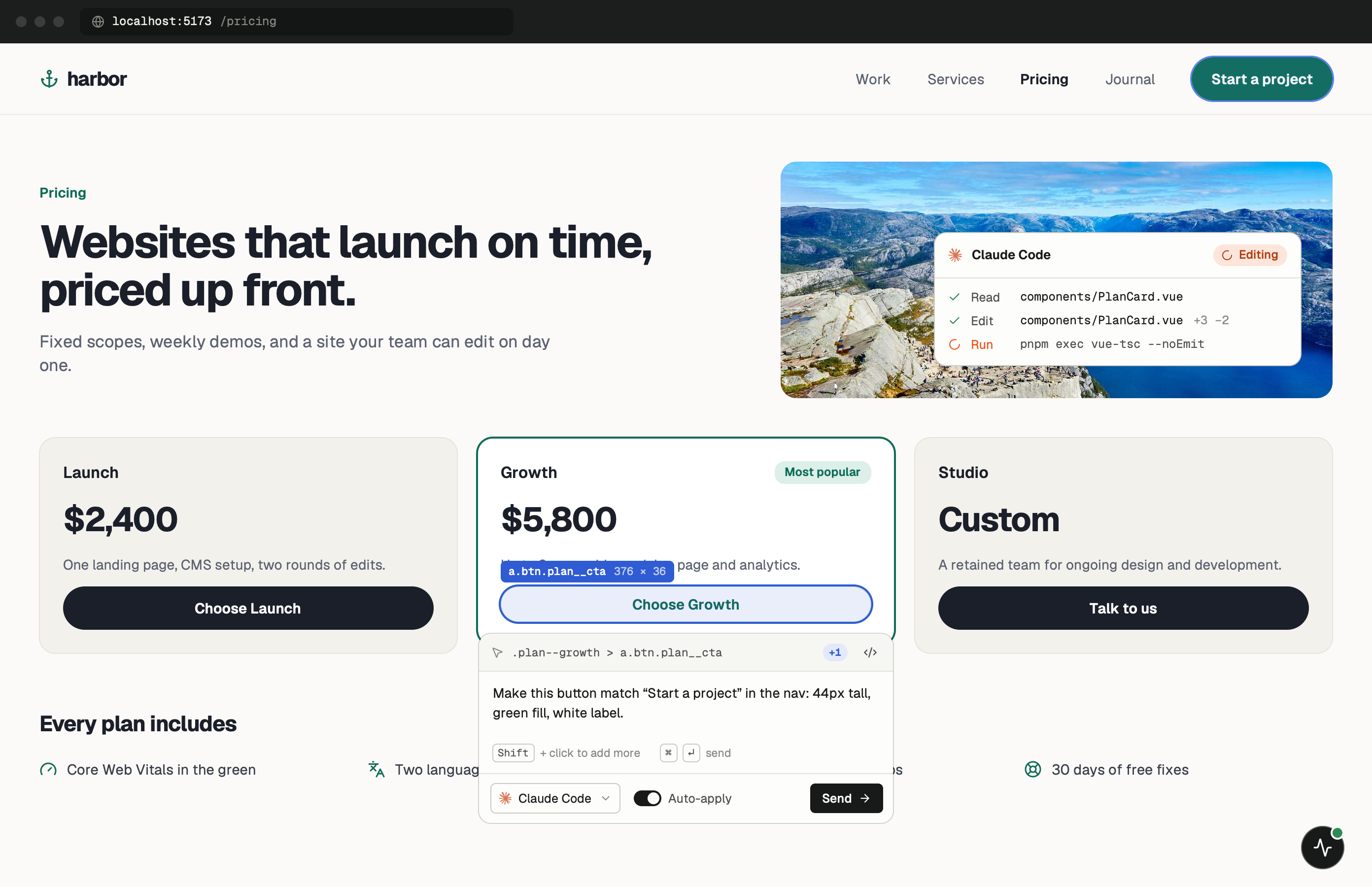
Click any element in your running Eleventy site and say what’s wrong. Your agent opens the template behind it, and the dev server reload shows the edit before you approve the diff.
One minute of setup.
None of it ships.
Paste one tag into _includes/base.njk and start your dev server. Keep the PulseDev app open while you work; it runs the server the widget talks to.
- Add
Paste the script tag.
Put it in _includes/base.njk, the layout every page shares. Remove the tag, or keep it out of production builds.
_includes/base.njk <!-- just before </body>, dev only --> <script src="http://localhost:3899/widget.js" data-token="YOUR_TOKEN"></script> - Run
Start Eleventy as usual.
The widget shows up in the corner of every page. Click it, then click the element you want changed.
terminal $npx @11ty/eleventy --serve➜Local:http://localhost:8080/➜PulseDev:widget connected
It fits how
Eleventy works.
A click carries more than a selector. The page, the element and its selector go to your agent, which follows them to the right file.
Multi-Engine Support
Debug Nunjucks, Liquid, Markdown, or any other template engine that Eleventy supports.
Data File Inspector
View global and directory-level data files used to build the current page.
Collection Debugging
Browse Eleventy collections and tags, and trace how items appear in templates.
Filter & Shortcode Tracing
See which custom filters and shortcodes are applied and their transformations.
Eleventy questions.
- Does it work with Eleventy 3.0?
- Yes! PulseDev supports Eleventy 2.x and 3.0 with identical setup.
- Which template engines are supported?
- PulseDev works with Nunjucks, Liquid, Handlebars, EJS, and any engine Eleventy supports.
- Does it support the data cascade?
- Yes, PulseDev visualizes the complete data cascade from global to template-level data.
- Is there a performance overhead?
- PulseDev only runs in development. It does not affect your production builds.
Your Eleventy site is running.Go point at the bug.
Windows coming soon. Free to start.